 Tasaheel ERP
Restaurant POS: Shifts, Tables and the Cashier Explained
A practical guide to restaurant point of sale: opening and closing shifts, cash drawer reconciliation, payment methods, tables, deposits, kitchen screen.
 By Sherif Fadl — Founder, Tasaheel ERP
The biggest source of errors in restaurant accounting is not the journal entries — it is what happens at the till: a shift closed without counting, a card payment recorded as cash, a forgotten deposit, a reserved table given to someone else. This guide explains how to organise point of sale in your restaurant step by step, whether you use Tasaheel Accounts or not — with examples from Tasaheel's screens.
1. Point of sale, cashier and shift
Three ideas must be clear before selling:
- Point of sale: the device or place you sell from (dine-in till, takeaway till, kiosk).
- Cashier: the user who sells, with defined permissions.
- Shift: a working period for one cashier on one point of sale, starting with an opening cash balance and ending with an actual count.
Every invoice must belong to a shift, otherwise you will never know who is responsible for a cash difference. In Tasaheel, selling happens only inside an open shift for a specific point of sale.
2. Opening the shift
When the shift opens you set:
- The point of sale and the date.
- The opening cash balance — the cash in the drawer before the first sale.
- The branch and the warehouse items are issued from.
Many skip the opening balance, yet it is the basis of the end-of-shift reconciliation: without it the expected cash cannot be calculated.
3. Selling and payment methods
One restaurant takes many payment methods: cash, mada/network card, credit card, bank transfer, delivery apps, and credit sales to a customer with an account. Each payment must be recorded under its correct method, because each goes to a different account: cash to the drawer, cards to the bank after settlement, delivery apps to the app's receivable until it transfers what it owes.
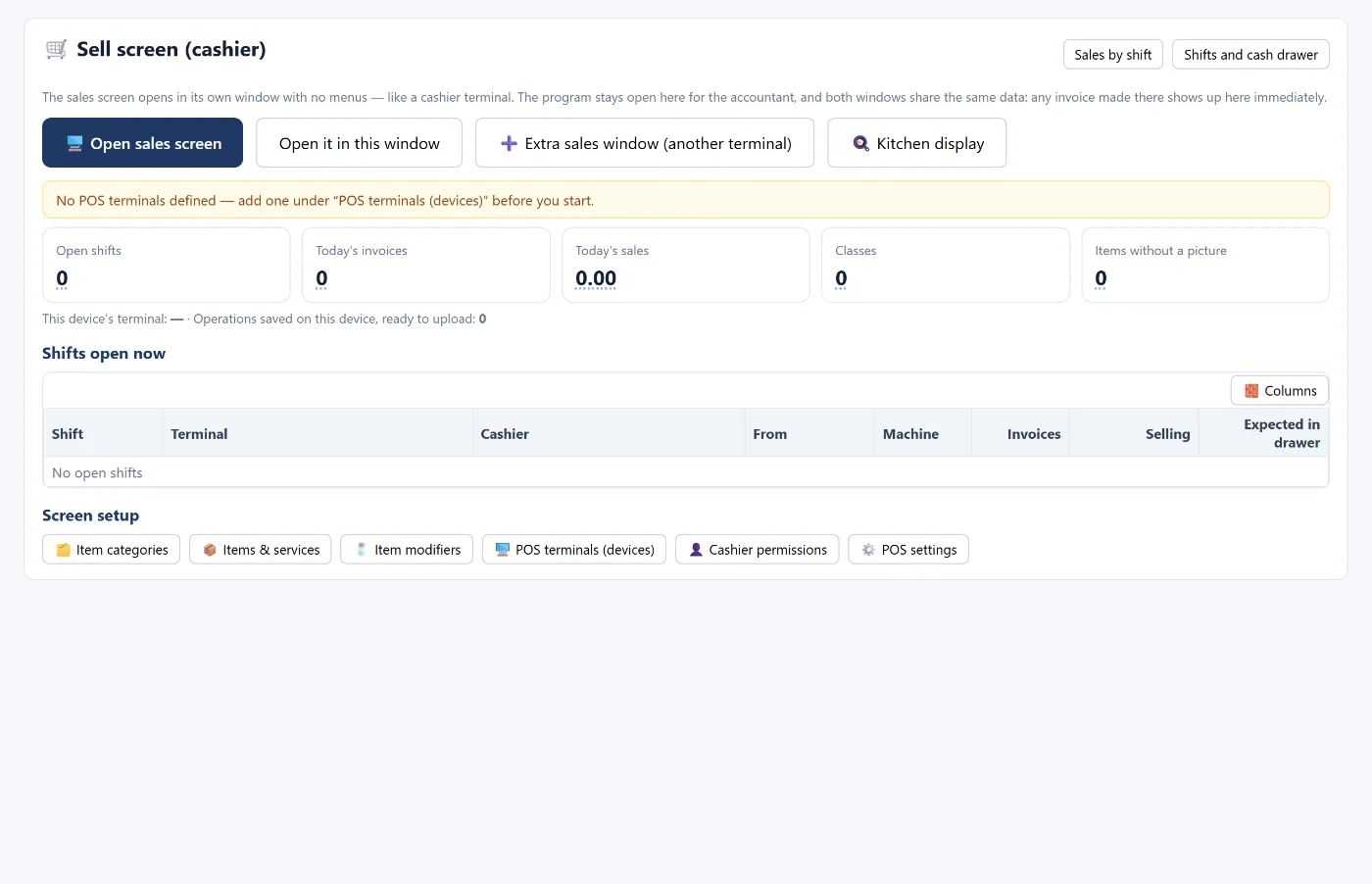
In Tasaheel the sales screen opens in its own window without menus, while the program stays open for the accountant in another window on the same data. Each point of sale runs from one window only so invoices never mix.
4. Tables and bookings
If you serve dine-in:
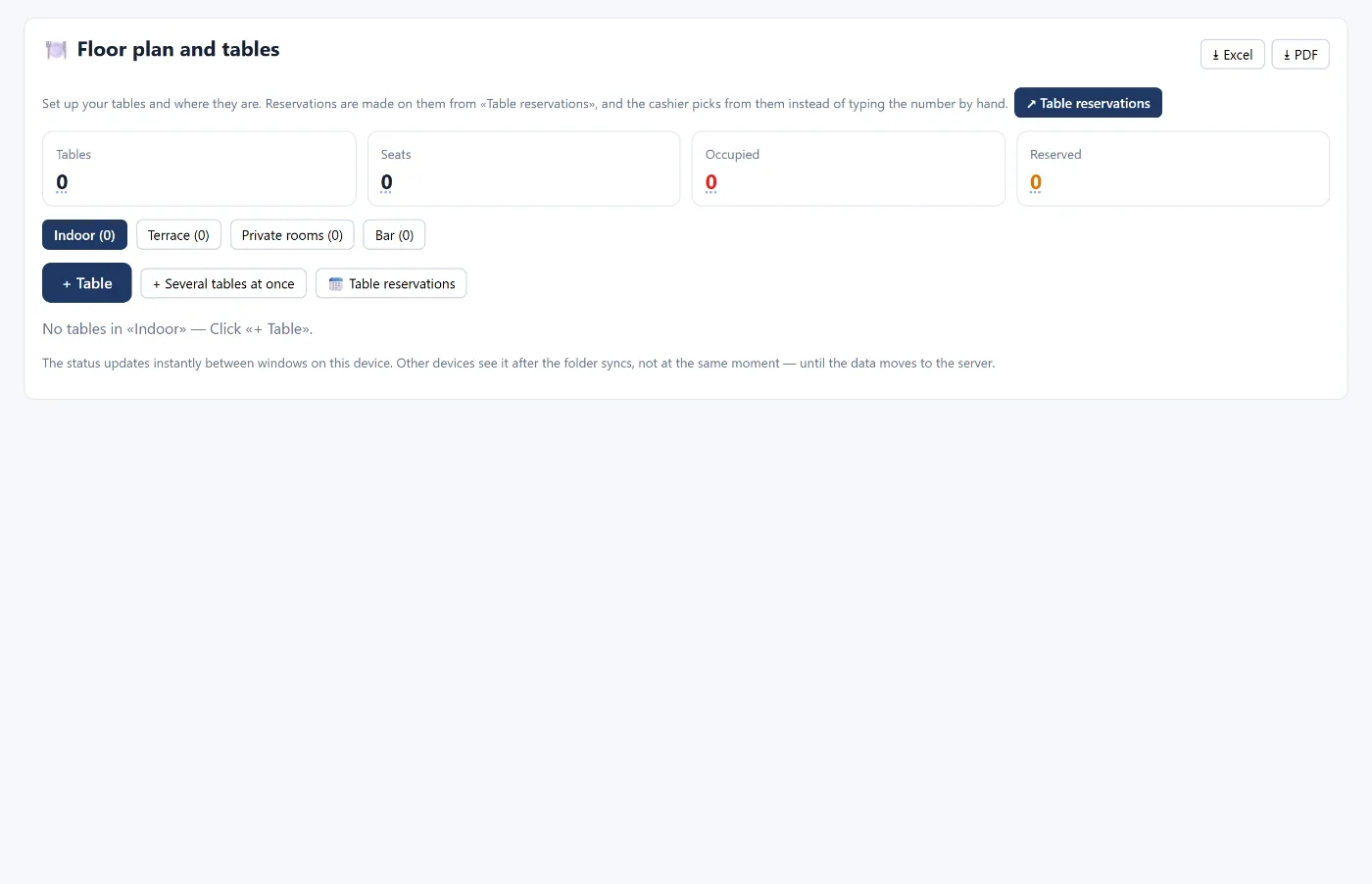
- Split the venue into areas (indoor hall, terrace, private rooms, bar).
- Number the tables and set the seats of each.
- Have the cashier pick the table from the floor plan instead of typing its number.
- Record bookings with the guest's name, mobile number, party size and time, and avoid booking a table that is occupied or already booked close to the same time.
In Tasaheel the table on the plan shows the order's name or number, and table reservations warn you when a booking clashes with another or the party is larger than the seats.
5. Deposits
A deposit a customer pays for an event or a large order is not revenue when received — it is a liability of the restaurant until:
- it is deducted from the customer's invoice when the order is served, or
- it is refunded if the booking is cancelled.
On receipt: debit cash, credit customer deposits (a liability). When deducted from the invoice, the liability is cleared against the customer's receivable.
In Tasaheel a deposit is recorded with the payer's mobile number and name, the cashier sees a deposit discount above the payment methods to deduct it from any later invoice, and an ageing table of open deposits shows those overdue for use or refund.
6. The kitchen screen
Instead of paper tickets, orders appear on a kitchen screen as soon as the cashier takes payment or sends them. In Tasaheel the waiting time changes colour: blue, then orange after 8 minutes, then red after 15 — so the kitchen sees late orders without asking. The kitchen screen currently runs on the same device.
7. Closing the shift and reconciling the cash drawer
This is the most important step of the day:
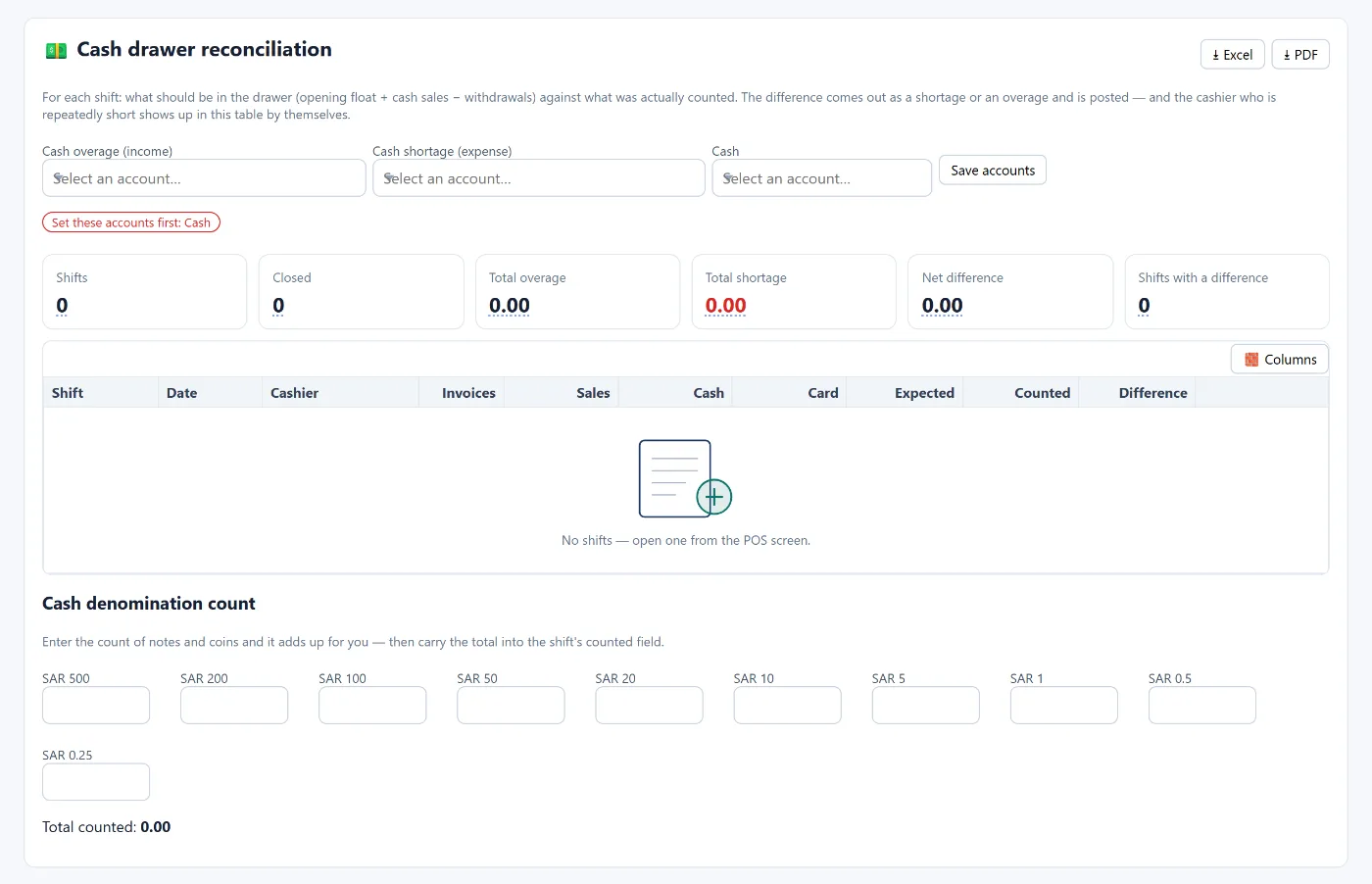
- Count the actual cash in the drawer by denomination (500, 200, 100, 50 … and coins).
- Calculate the expected cash: opening balance + cash sales − withdrawals from the drawer.
- Compare counted with expected. The difference is a shortage or an overage.
- Post the difference: a shortage is an expense, an overage is income — never leave it hanging.
In Tasaheel, cash drawer reconciliation helps you count and total the denominations, and shows expected versus counted and the difference for each shift, while the difference is posted to the cash difference account when the shift is closed. A cashier with repeated shortages stands out in the same table.
8. Shift reports
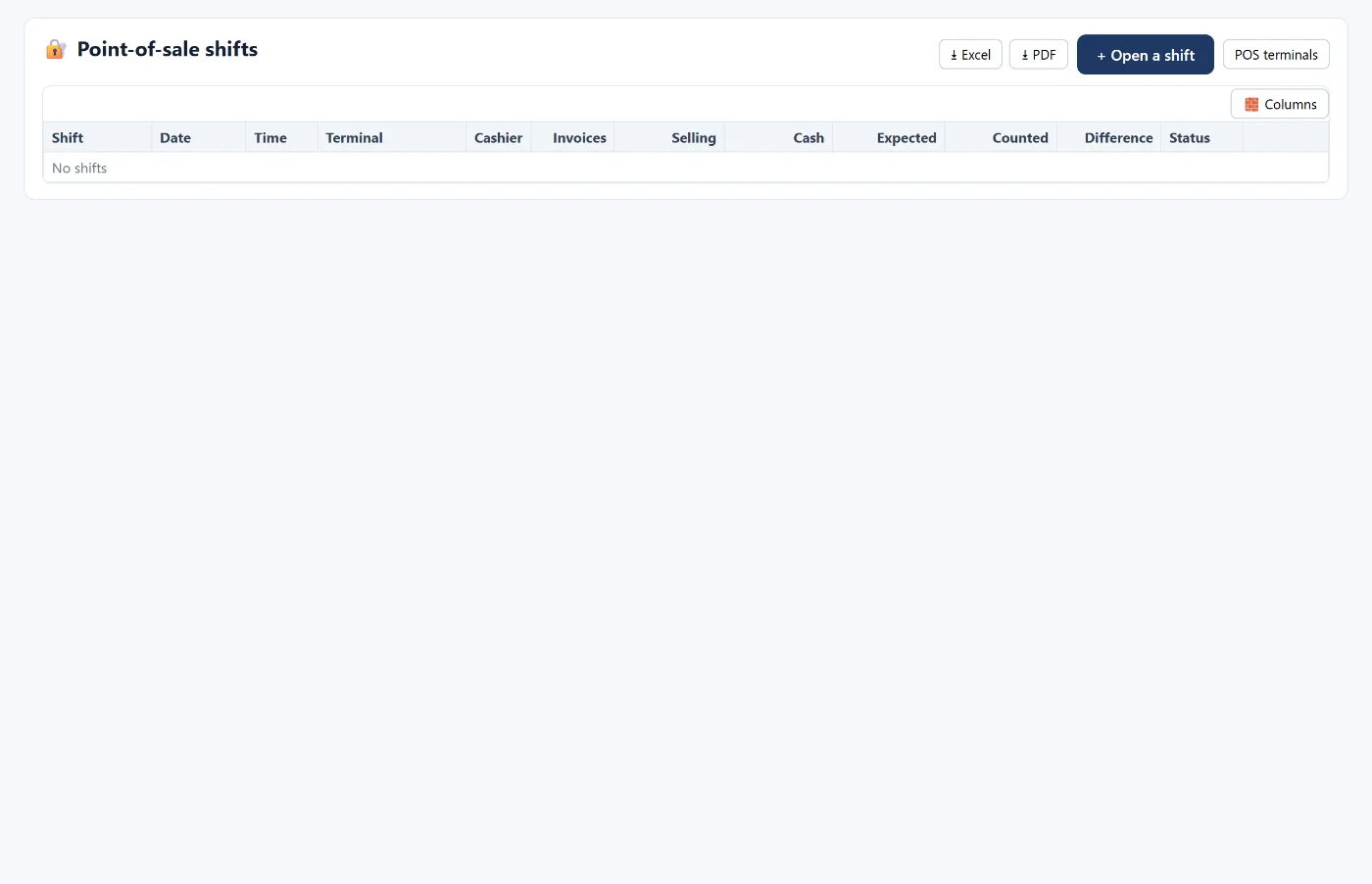
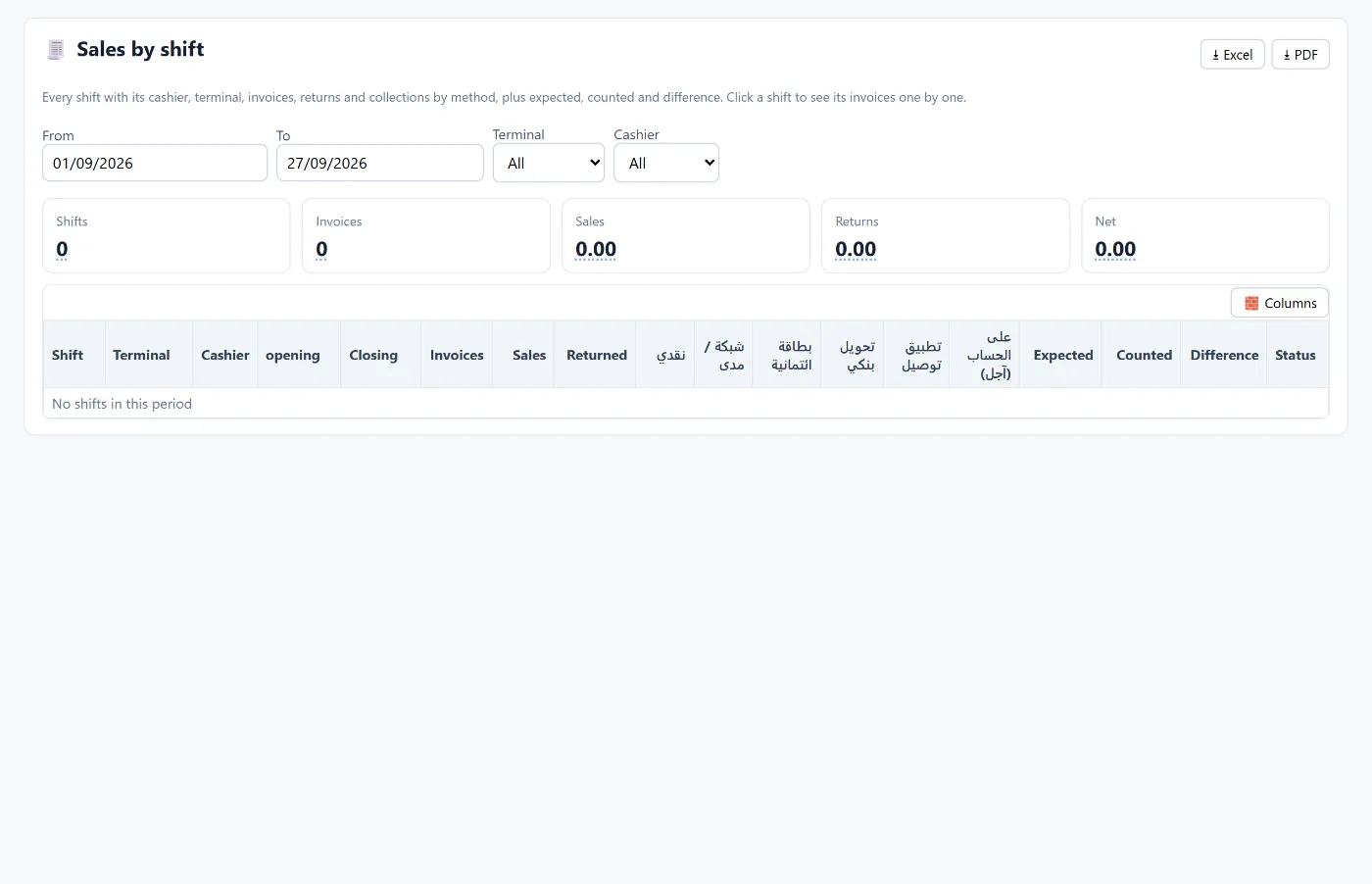
Review a daily report that shows for each shift: the cashier, the point of sale, opening and closing times, number of invoices, sales, returns, collections by payment method, and expected, counted and difference. That is what shift sales shows in Tasaheel, and you can open any shift to see its invoices one by one.
Daily checklist for a restaurant
- Every cashier opened their shift with an opening balance.
- Every payment was recorded under its correct method.
- Deposits received were recorded as a liability, and used ones deducted.
- Every shift was closed with an actual count, and the difference posted.
- Delivery app sales are reconciled with the apps' statements regularly.
FAQ
Should every cashier have a separate shift?
Yes. That is what ties a cash difference to a specific person and time.
How do I record a cash shortage?
As an expense in a cash shortage account with an entry when the shift closes; an overage goes to cash overage income.
Is a deposit revenue?
No. It is a liability of the restaurant until it is deducted from an invoice or refunded.
Can two cashiers work on two points of sale at the same time?
Yes. Each point of sale has its own sales window, and each cashier their own shift.
Does selling work without internet?
In Tasaheel, yes: the cashier keeps selling if the connection drops; it saves the sales on the device and uploads them when the connection returns. The rest of the program needs a connection to save.
For more on restaurant accounting read accounting software for restaurants and cafés, for VAT read e-invoicing in Saudi Arabia, or learn more about Tasaheel Accounts.
Try it in Tasaheel: create a free account, choose the restaurant activity, and open your first shift.