 Tasaheel ERP
GOSI Social Insurance in Payroll: Rates, Wage Base, Reconciliation
How GOSI contributions work in Saudi Arabia: employee and employer shares, the wage base and its cap, the new pension scheme, and reconciling the invoice.
 By Sherif Fadl — Founder, Tasaheel ERP
Social insurance contributions are a fixed part of each employee's cost, and a small mistake in the wage base or rate repeats every month for every employee. This guide summarises the practical rules and how to reconcile your books with the GOSI invoice.
Who pays and how much?
- Saudi employee: employee share 9.75% (pension and SANED), employer share 11.75% (pension, SANED and occupational hazards).
- Non-Saudi employee: no employee share; the employer pays 2% for occupational hazards.
The wage base
The usual base is basic salary + housing allowance, with an upper cap (SAR 45,000 a month). Other allowances don't normally enter the base.
The new pension scheme
For Saudis first employed from 3 July 2024, the pension rate rises gradually in annual steps, with the increase added to both the employee and employer shares.
The accounting entry
- Payroll accrual: debit salaries and the employer's GOSI share — credit GOSI payable (both shares) and net salaries payable.
- Payment: debit GOSI payable, credit bank.
Reconciling with the GOSI invoice
Each month, compare each employee's wage in your payroll with the GOSI invoice: a missing employee, an extra one, or a different wage — all mean a wrong contribution that keeps building up.
How Tasaheel Accounts manages GOSI
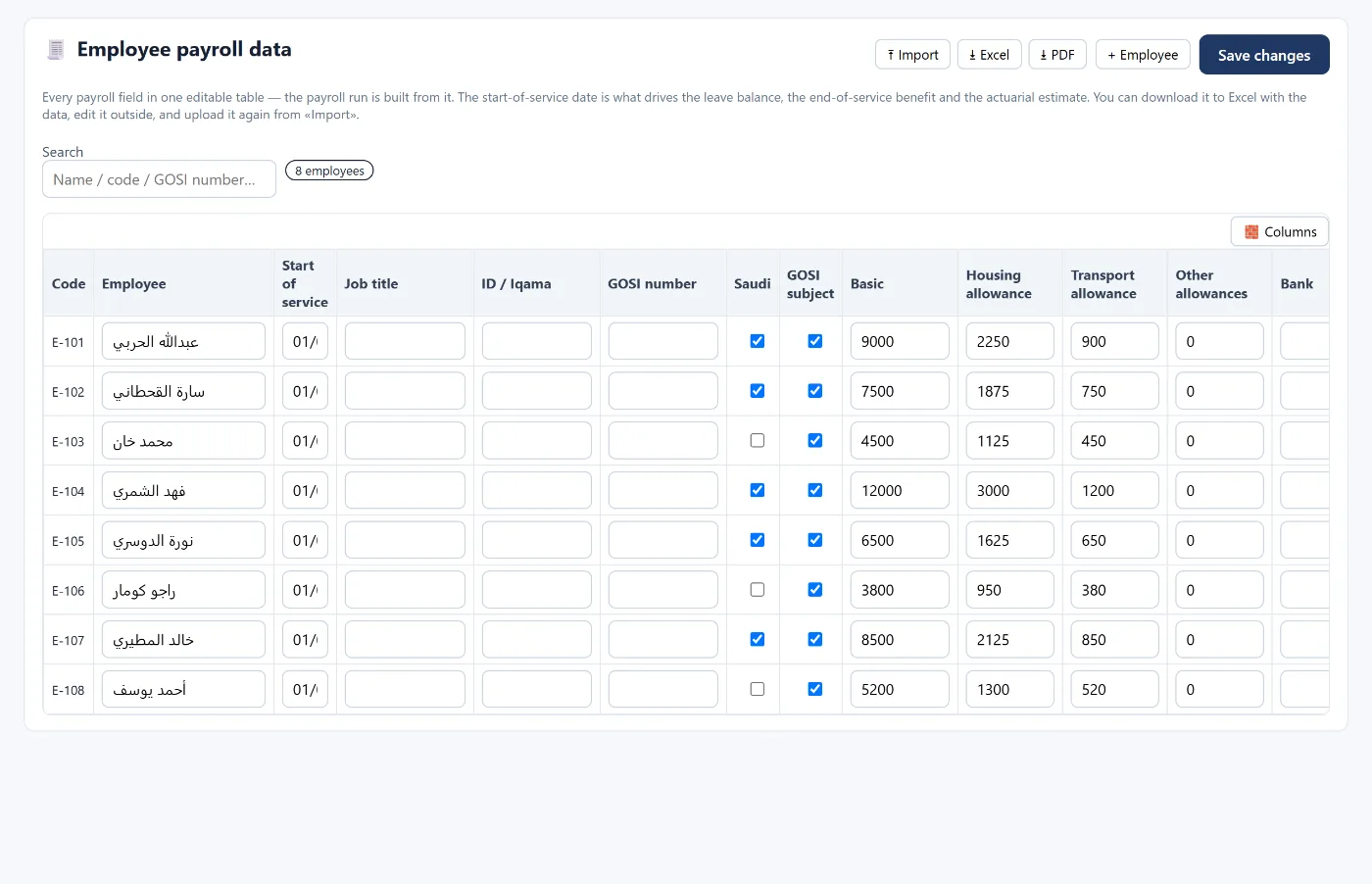
- Employee payroll data: GOSI number, Saudi or non-Saudi, and whether subject to GOSI.
- GOSI settings: wage base (basic and housing, basic only, or full wage), the cap and the minimum, and the new pension scheme with its start date and schedule of increases — with dated rates you can edit.
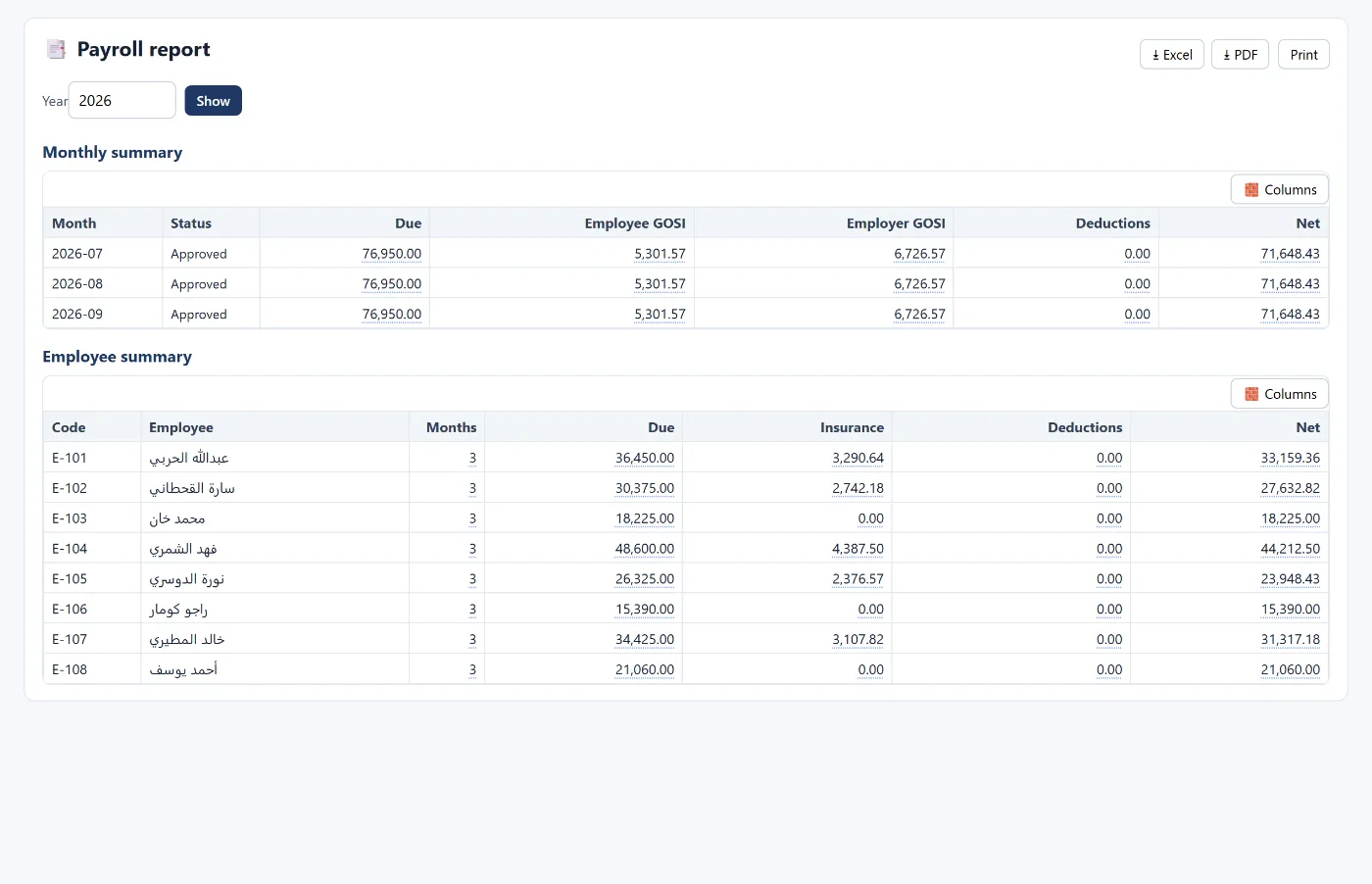
- Payroll calculates the employee and employer shares for each employee and posts the accrual to GOSI payable.
- Employee reconciliation with GOSI: upload the GOSI invoice (Excel or CSV) and the program matches it to your employees: matched, wage difference, extra in GOSI, missing from GOSI, with total wages and contributions, and export.
- GOSI reconciliation report: invoice contributions against the GOSI payable balance, and the difference.
Read also WPS payroll and provisions and end of service, or learn more about Tasaheel Accounts.
FAQ
What is the GOSI rate for a Saudi employee?
9.75% for the employee and 11.75% for the employer, on basic salary plus housing.
Do non-Saudis pay GOSI?
They have no share; the employer pays 2% for occupational hazards.
Is there a cap on the wage base?
Yes, SAR 45,000 a month.
How do I check my books match GOSI?
Upload the monthly GOSI invoice, match it to your employees, then compare its contributions with the account balance.
This guide is a general summary — check the current rates and limits with the General Organization for Social Insurance.
Try it in Tasaheel: create a free account, add your employees and run your first payroll.