 Tasaheel ERP
Moving Your Data from Excel to Accounting Software, Step by Step
How to move your data from Excel: chart of accounts, customers, suppliers, items, assets and opening balances, bulk journal upload, and a preview of rejected rows.
 By Sherif Fadl — Founder, Tasaheel ERP
The hardest part of moving to new accounting software isn't learning it, it's getting your data in: hundreds of customers, items and accounts. Typing is slow and error-prone; importing from Excel cuts it to minutes — provided there's a preview that stops bad data getting in.
What can be imported?
- The chart of accounts and cost centres.
- Customers, suppliers and employees and their categories.
- Items and services.
- Fixed assets with accumulated depreciation, prepaid expenses, leases, loans, provisions and end of service.
- Opening balances.
- Journal entries in bulk.
Import steps
- Download a ready template from the screen itself — it comes with your current data and columns, so you know the format.
- Upload your file (xlsx or csv): the program detects the sheet and the header row, and remembers the column mapping for next time.
- Choose how to treat existing records: add and update existing, add new only, or update existing only.
- Review the preview: valid and rejected rows, with the reason for each rejection — before anything is saved.
An existing record (by code) is updated, not duplicated.
Bulk journal upload
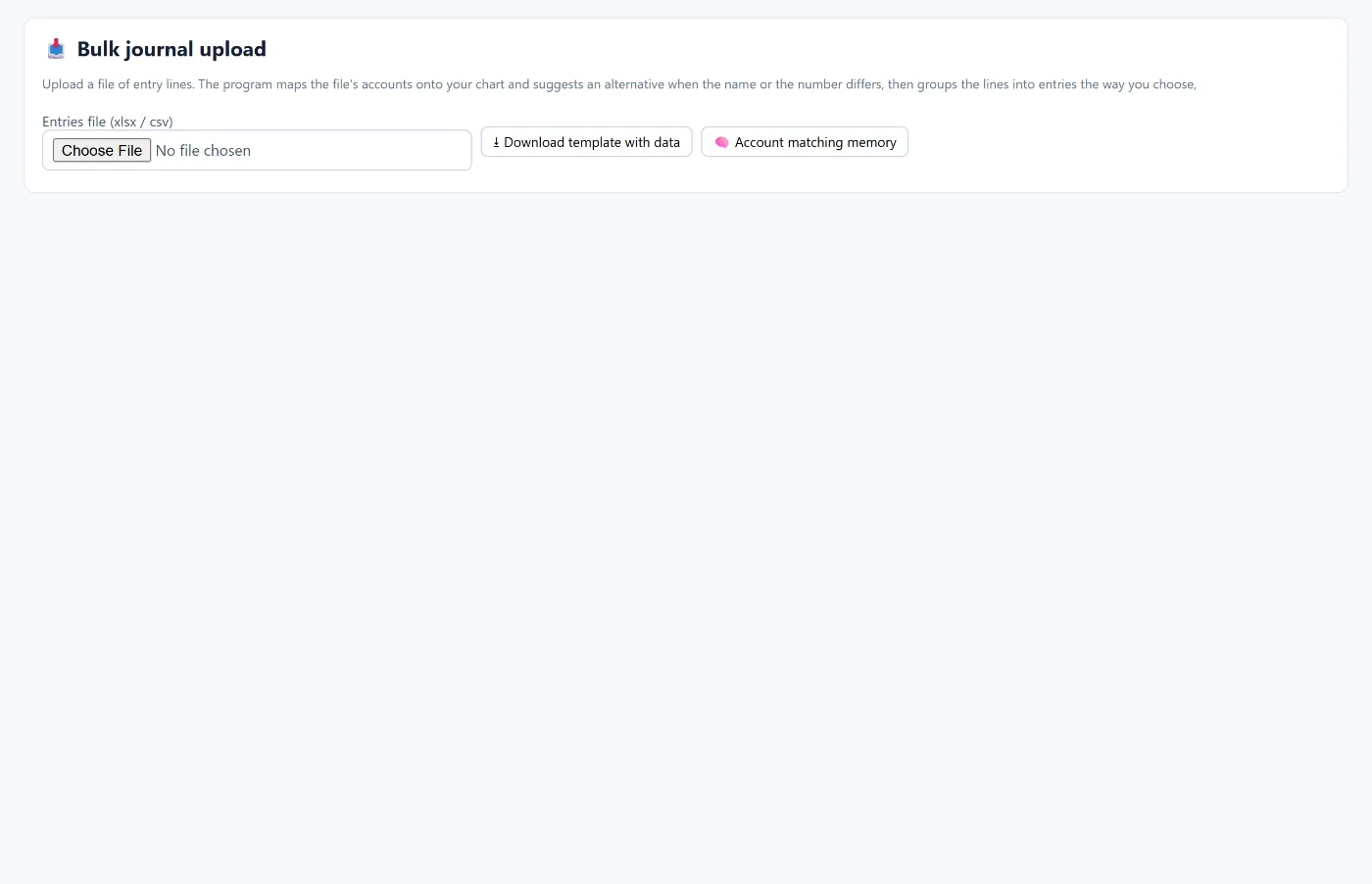
To move entries from a previous system: group lines into entries (by entry number, by date, or by date and reference), numbering (automatic or as in the file), and status (draft or posted). The program checks each entry's balance, the party on customer and supplier accounts, closed periods and duplicate numbers before uploading.
Tips
- Start with the chart of accounts, then parties, then items, then opening balances — each step depends on the one before.
- Standardise codes in your file before uploading: the code is what prevents duplicates.
- Don't ignore rejected rows: the cause is usually an account or party that doesn't exist.
How Tasaheel Accounts manages imports
- The import wizard on more than 15 screens with the same steps: a template with your data, automatic column detection, three ways to treat existing records, and a preview of valid and rejected rows with the reason.
- Bulk journal upload with grouping, numbering and status options and checks for balance, parties and periods.
- Export to Excel from the same screens, so you can edit and upload again.
Read also opening balances and the chart of accounts, or learn more about Tasaheel Accounts.
FAQ
Will a customer or item be duplicated if I upload it twice?
No. An existing record with the same code is updated, not duplicated.
What happens to wrong rows?
They appear in the preview as rejected rows with the reason, and are not saved.
Do I need a specific column order?
No. The program detects the columns and remembers the mapping, and the template shows the format.
Can I move entries from my previous software?
Yes, with bulk journal upload, which checks balance and parties before uploading.
Try it in Tasaheel: create a free account, download the customers template and upload your file.